Kawarimi
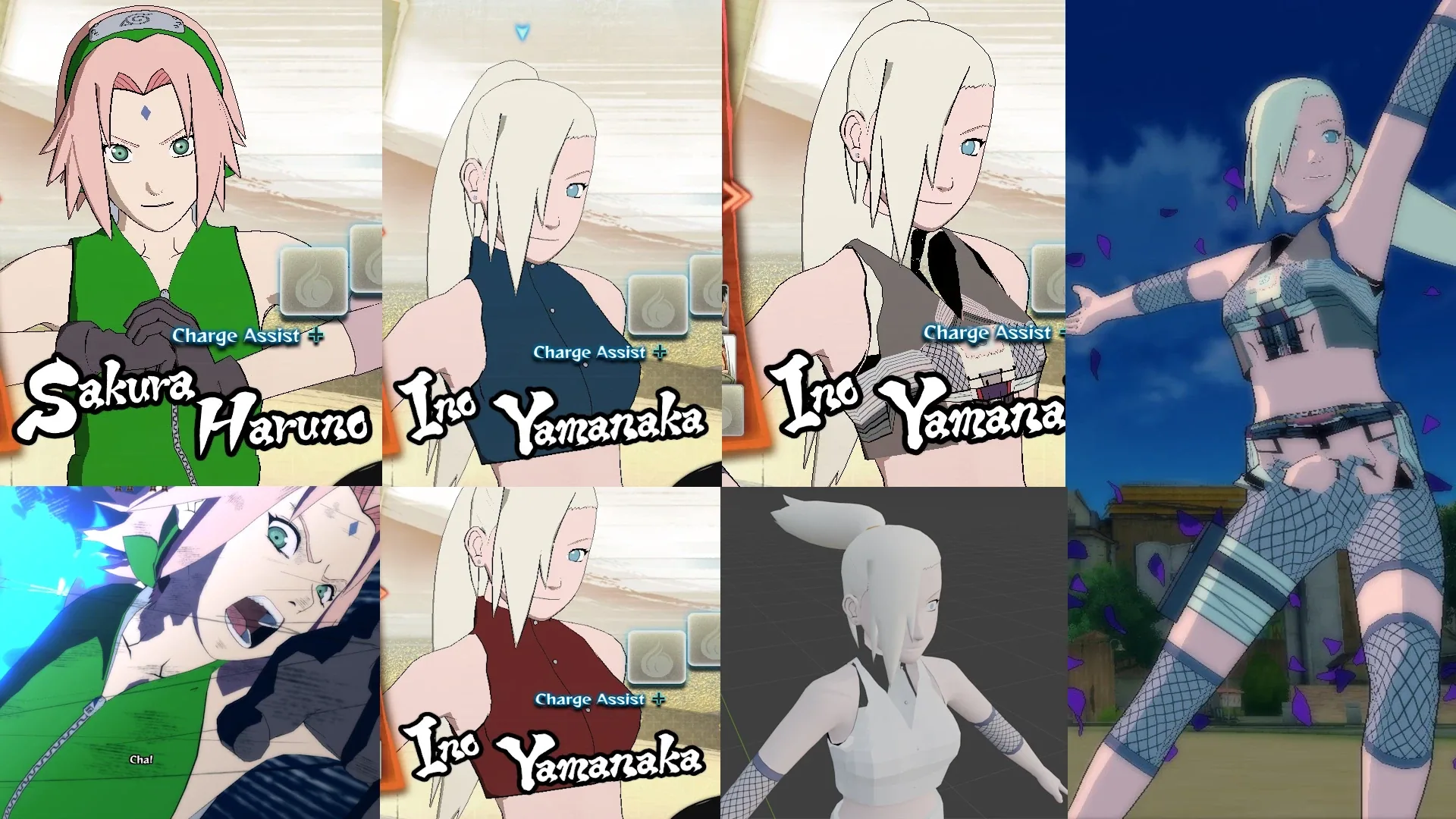
Skin mods for NARUTO SHIPPUDEN: Ultimate Ninja STORM 4, loaded while the game runs. Game archives are never modified. Made for offline play; online, only model and texture changes are used (see online in docs/API.md).
Playing
- Run
KawarimiSetup-<version>.exeand put mods into<game>\mods\. - Start the game. The Kawarimi log window opens next to it.
- In character select, hover a character. The log shows its costume, the LT/RT number and how many mods it has.
- F7 switches to the next mod (you hear a beep), F8 back to the original. The model changes the next time the game loads it: switch costume away and back with LT/RT, or start the fight.
Making a mod
- Open Kawarimi (Start menu), choose Create a new mod project, type a name (
ino) or costume code (2ino). - Edit
projects\<Name>\edit\...\textures\*.pngand...\model\*.obj(the OBJ opens with its textures in Blender, Maya, 3ds Max …). - Choose Build a project into a mod. A running game picks up the result within a few seconds.
Rules and commands: docs/MODDING.md. C# mods: docs/API.md.
Old mods that are only plain <costume>*.xfbin files in a folder also work: put the folder in mods\ and the log says legacy mod (docs/MODDING.md).
Not supported yet: textures other than RGB565, adding new textures, listing mods in the game’s costume selector.
License
Copyright © 2026 TamKungZ_ dev@tamkungz.me. GNU General Public License v3.0 or later, see LICENSE.