Sample
Map the source image onto your chosen output size with nearest or area sampling.
 madeitpx
NATIVE PIXEL-ART IMAGE PROCESSING
Turn photos, sprites, and illustrations into real pixel art with pixel sampling and color reduction, not image generation. Adjust the pixel resolution, color palette, and sampling mode, then download your result free with no watermark. Images are processed locally in your browser.
RUNS LOCALLY IN YOUR BROWSER
Pick a sample or upload an image, tune the conversion, and download your result.
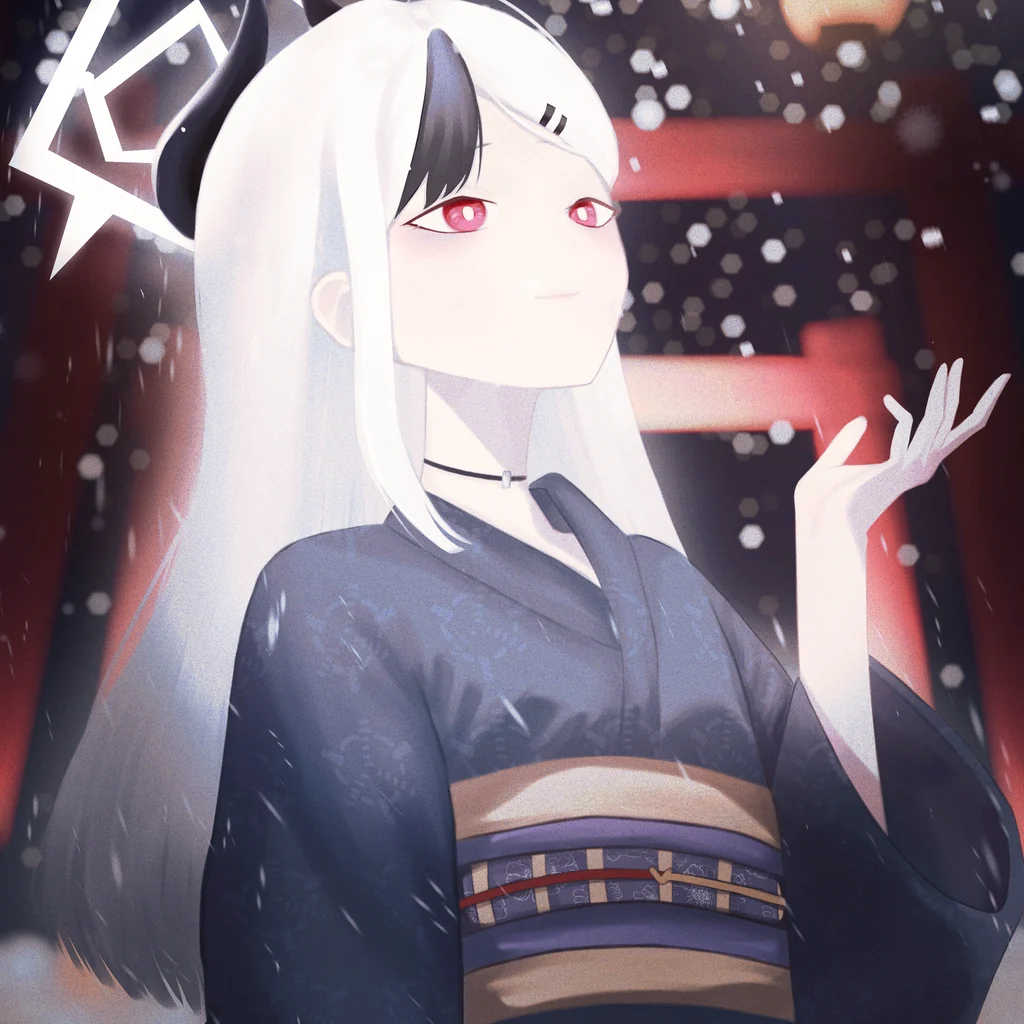
Artwork by zcdot_ on Pixiv· X
Your image is processed locally and never uploaded.
THE PIPELINE
madeitpx resizes your image to a pixel grid, reduces its colors, and optionally cleans isolated pixels.
Map the source image onto your chosen output size with nearest or area sampling.
Build a compact palette using a preset or choose a custom limit from 2 to 64 colors.
Optionally smooth isolated, similar-colored pixels while keeping strong edges intact.
Works directly with top-to-bottom RGBA8 buffers. Decode and encode files in your application.
Receive a tightly packed, opaque RGBA8 buffer. Transparent input is composited onto your background color.
ONE LIBRARY, FIVE BINDINGS
Choose a package to get started. Each binding wraps the same native conversion core.
<dependency>
  <groupId>me.tamkungz</groupId>
  <artifactId>madeitpx</artifactId>
  <version>0.1.2</version>
</dependency>Java 8+ · JNA binding
npm install @madeitpx/pixelartNative platform package included
cargo add madeitpxNative libraries included
pip install madeitpxNative libraries included
dotnet add package MadeIt.PixelArtWindows · Linux · macOS
MADEITPX PIXEL ART CONVERTER
What to know before converting an image or using the MadeItPx library in your project.
Choose a sample or upload a PNG, JPEG, WebP, or GIF image. Set the output width and height, choose a color preset or custom palette size, adjust sampling and background, then download your pixel-art result as a PNG.
No. The MadeItPx conversion engine runs as WebAssembly in your browser. Your selected image is processed on your device and is not uploaded to a conversion server.
Yes. Set a custom output width and height, choose the balanced, detail, or bold palette preset, or set a custom palette from 2 to 64 colors. You can also choose nearest or area sampling, set the transparency background color, and enable or disable cluster cleanup.
The browser tool accepts PNG, JPEG, WebP, and GIF images. Converted pixel art can be downloaded as a PNG.
Yes. MadeItPx is free to use and downloaded PNGs have no added watermark. Images are processed locally in your browser.
No. MadeItPx converts your source image directly using pixel sampling and color reduction. It does not generate or invent new image content.
madeitpx is an open-source pixel-art image-processing library written in Zig with a C ABI. It samples RGBA8 pixel buffers, reduces colors to a limited palette, and can clean isolated pixels. Bindings are available for Java, .NET, Node.js, Python, and Rust.
OPEN SOURCE · MPL-2.0
Explore the source, report an issue, or contribute on GitHub.