
Vergeo2D.Mesh

Vergeo2D.Mesh is a lightweight C# library for editing 2D texture meshes. It provides vertices, edges, triangular faces, texture and UV helpers, mask-driven grid generation, deformation hooks, editor utilities, mesh management, and render-data extraction for engine-agnostic 2D rigging tools.
The package targets net8.0, netstandard2.1, and netstandard2.0. The net8.0 asset is the primary modern path, while the .NET Standard assets support older hosts and toolchains that still need the mesh core.
Install
Section titled “Install”dotnet add package Vergeo2D.MeshWhat It Includes
Section titled “What It Includes”- Editable mesh structures:
Mesh2D,Vertex2D,Edge2D, andFace2D. - Texture helpers with image dimension loading and pixel-to-UV conversion.
- Textured quad and grid generation for sprite deformation.
- Mask support through predicates,
IMeshMask2D, and alpha byte maps. - JSON serialization with configurable texture loading and file helpers.
- Mesh validation diagnostics for import/editor pipelines.
- Picking helpers for nearest vertex, nearest edge, barycentric coordinates, and UV lookup.
- Deformation extension point via
IMeshDeformer2D. - Pooled mesh management with generation-checked
MeshHandlevalues. - Render extraction into backend-agnostic vertex and index buffers.
Preview
Section titled “Preview”| Preview 1 | Preview 2 |
|---|---|
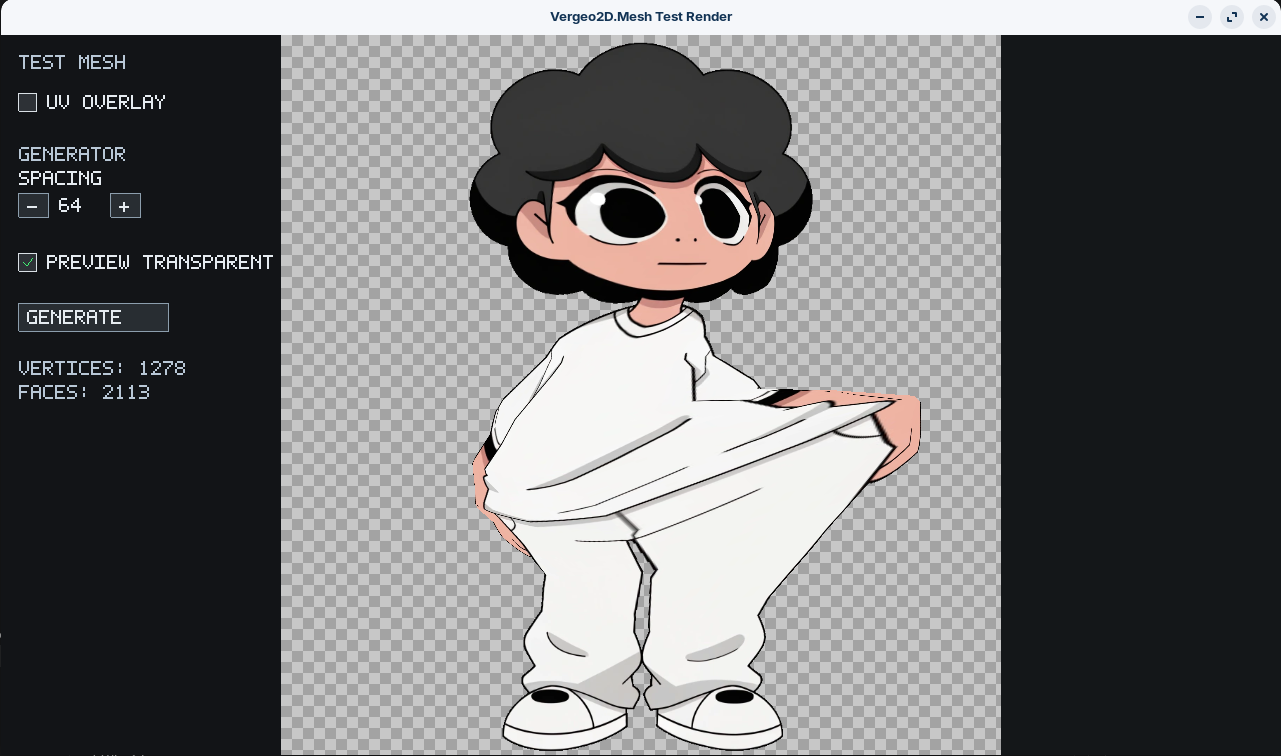 |
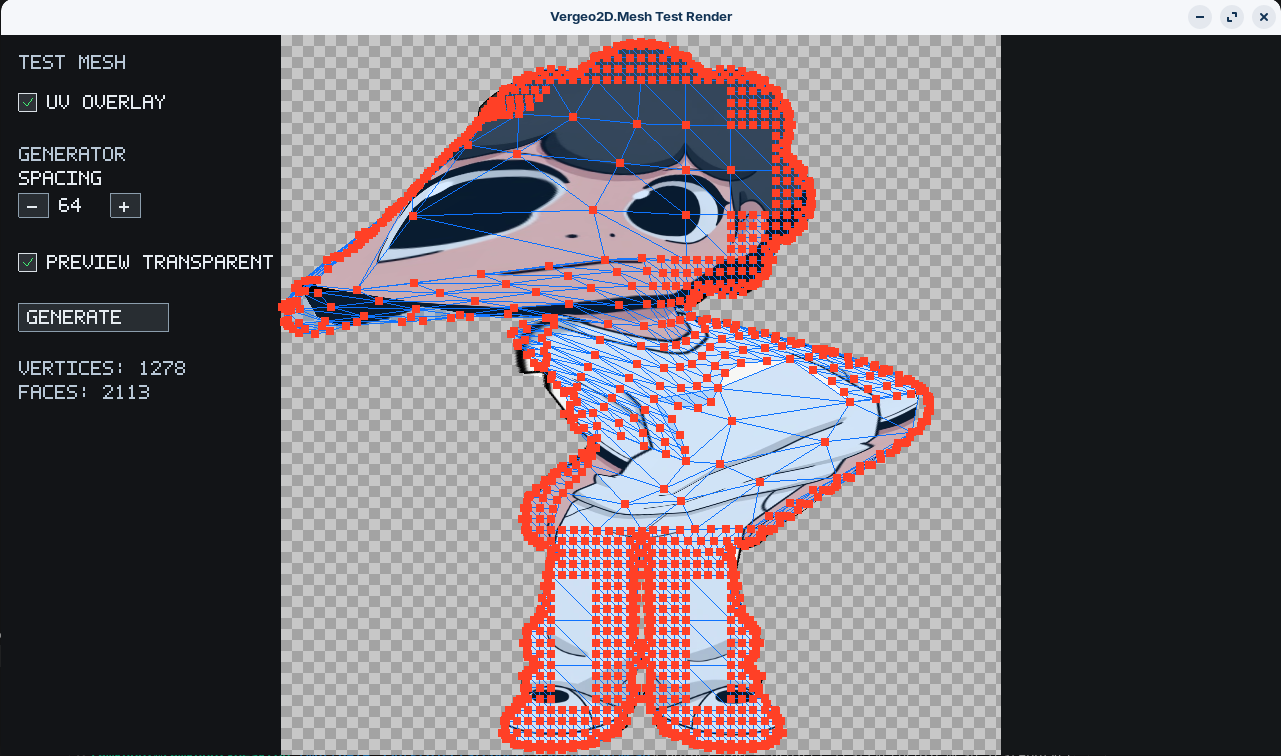 |
Package
Section titled “Package”| Item | Value |
|---|---|
| Package ID | Vergeo2D.Mesh |
| Current project version | 1.2.0 |
| Target frameworks | net8.0, netstandard2.1, netstandard2.0 |
| License | GPL-3.0-or-later |
| Repository | github.com/TamKungZ/Vergeo2D.Mesh |
Next Steps
Section titled “Next Steps”- Start with Getting Started to build a textured quad or a custom mesh.
- Use Core API when editing vertices, faces, UVs, and topology.
- Use Textures & Serialization to understand image formats, UV conversion, and JSON loading behavior.
- Use Grids & Deformation for sprite-rigging and masked meshes.
- Use Editor Utilities for validation, diagnostics, selection, and picking helpers.
- Use Management & Rendering when preparing many meshes for a renderer.
- Use Render Backends when connecting extracted buffers to OpenGL, Direct3D, Vulkan, or a custom renderer.
- Use Test App to run the included OpenGL smoke test.